Log in to the Customer Portal
To log in to the Customer Portal, follow these steps:
- Use your web browser to go to https://whmcs.dollarovpn.com.
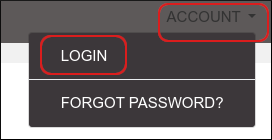
- On the top menu bar, click ACCOUNT, and then click LOGIN:
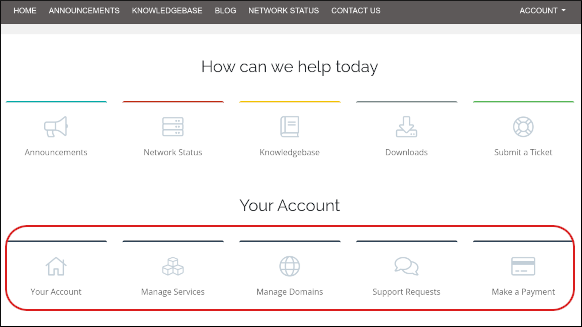
Alternatively, click any of the icons in the Your Account section:
-
The login page appears:
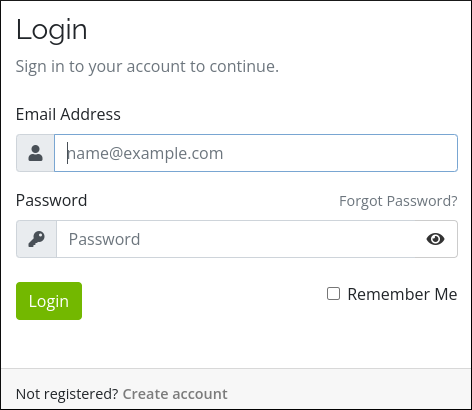
- In the Email Address text box, type the e-mail address associated with your Dollar OVPN account.
- In the Password text box, type your account password.
- If you want to have the browser remember your login credentials the next time you access the Customer Portal, select the Remember Me check box.
- Click . The main client area appears:
Log out of the Customer Portal
To log out of the Customer Portal, follow these steps:
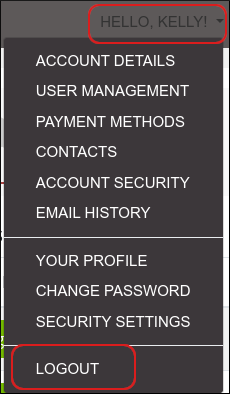
- On the top menu bar, click HELLO, NAME!, where NAME represents your name, and then click LOGOUT. The Customer Portal logs you out: